
Our most advanced, intuitive customer portal
The Affinity portal makes subscription management effortless with customizable themes and no-code implementation.
Recharge powers the industry’s top brands





Control for you, control for your subscribers
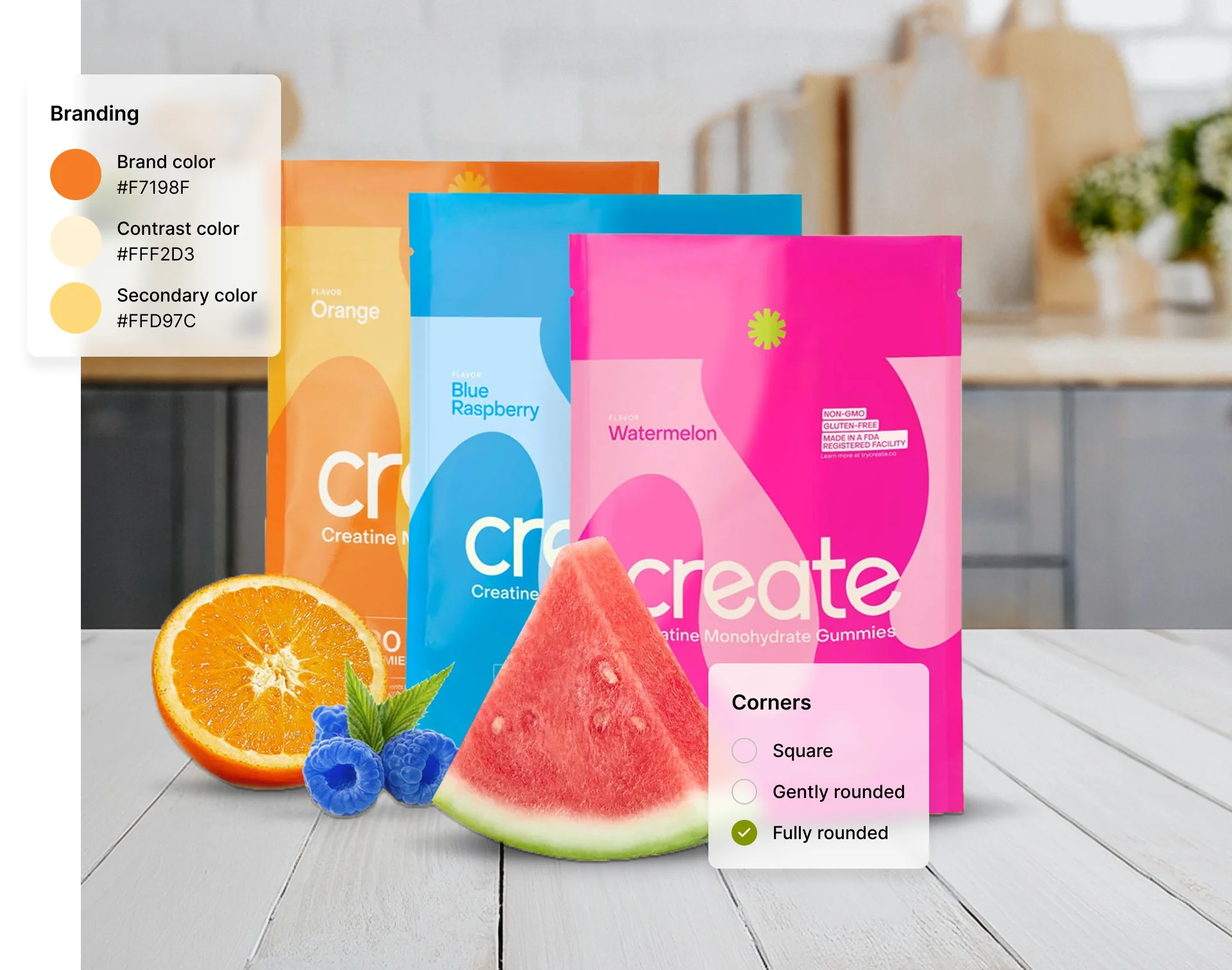
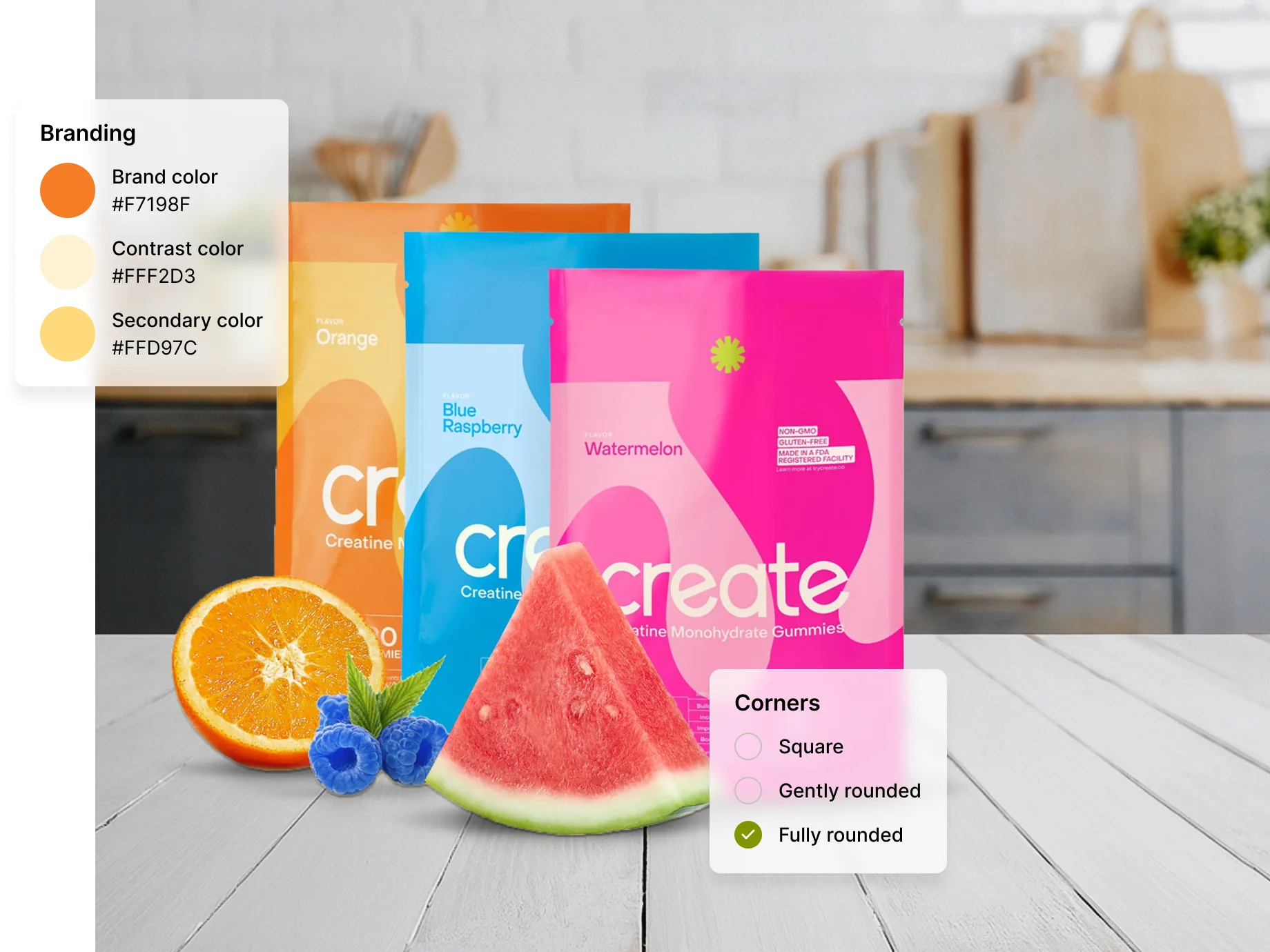
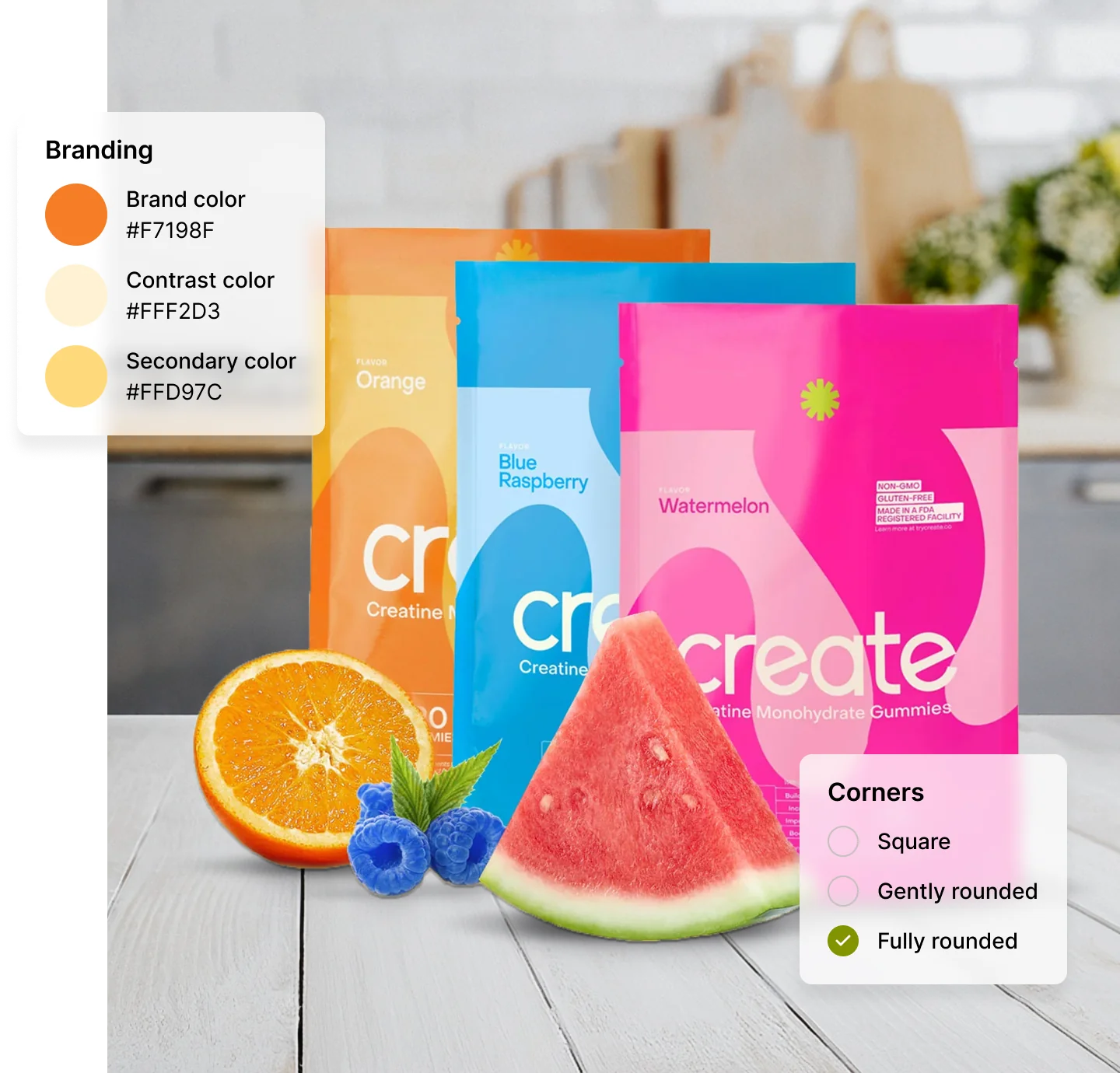
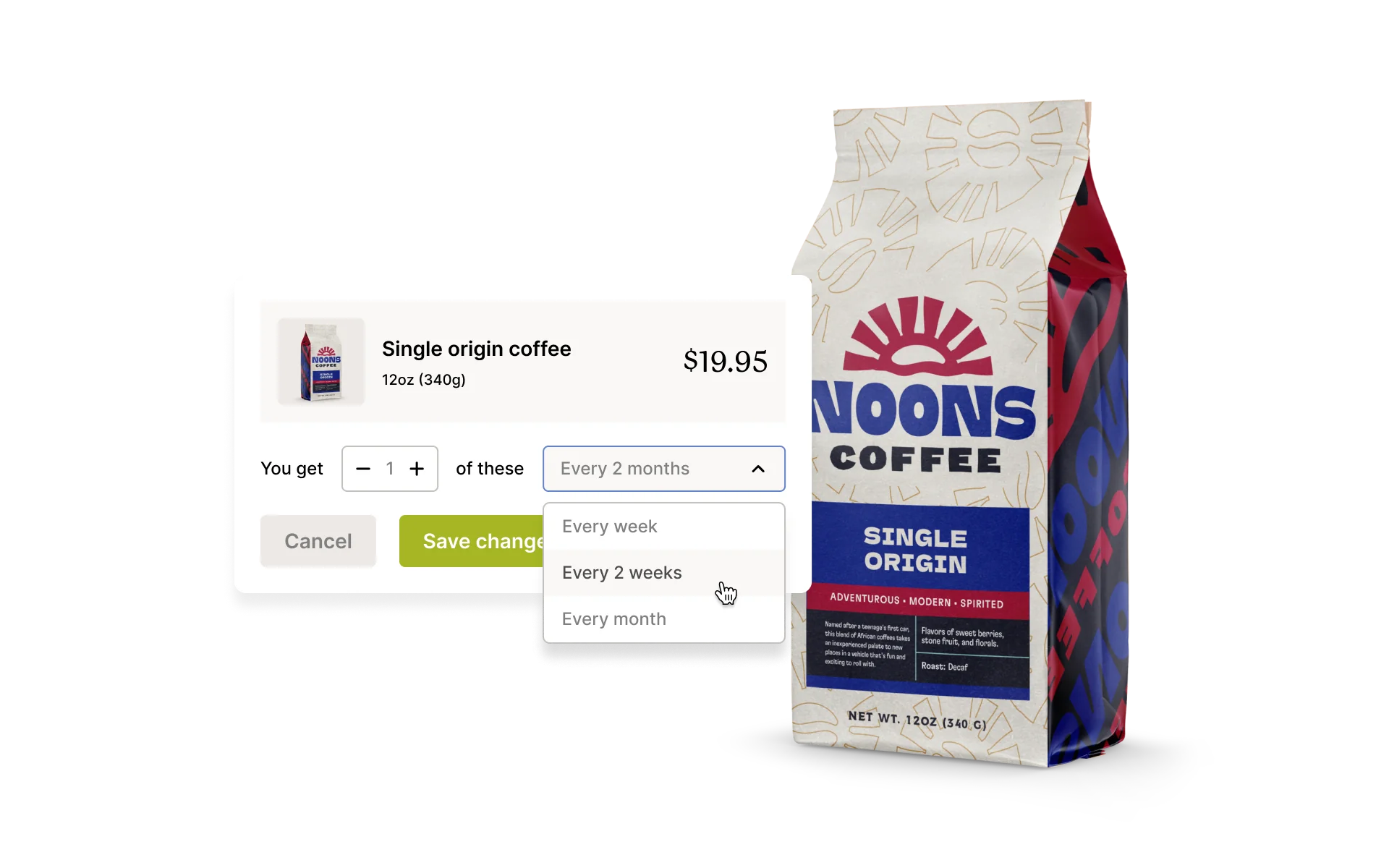
Inject your brand identity into the Affinity portal with the Shopify Theme Editor. Then enable order management options like product swapping, order rescheduling, and quantity adjustments to help customers manage their subscriptions seamlessly.


All-in-one interface built for functionality
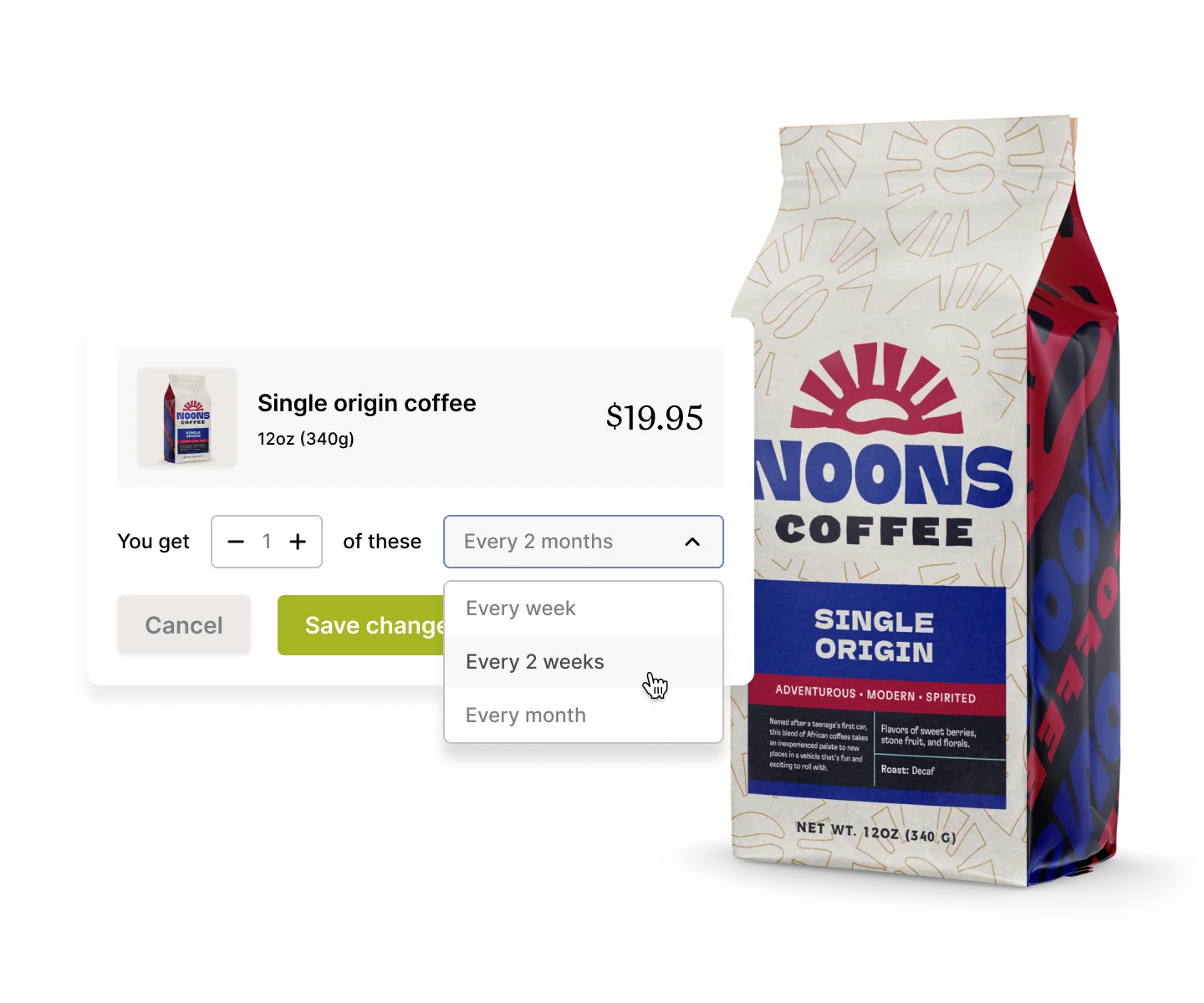
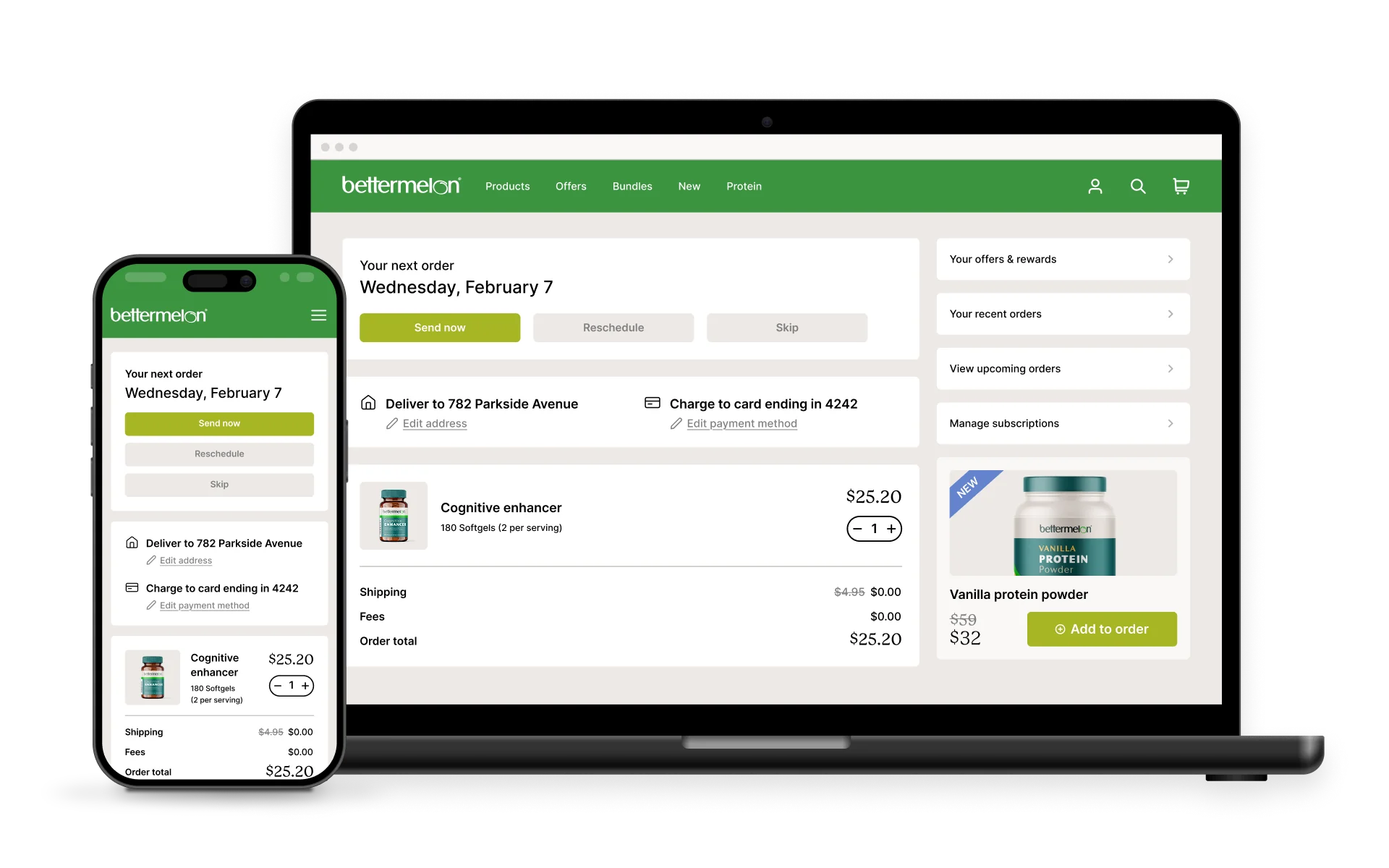
The Affinity portal’s order-centric interface enables customers to send, reschedule, skip, and more all in one place. It’s the smoothest way to manage orders.
Optimized for any device & any location
Affinity’s single-page design and multi-language, multi-currency support make it the perfect solution for any customer, no matter where they are or what device they’re on.
Frequently asked questions
Yes, Recharge embeds subscription management directly into Shopify’s customer accounts with no extra logins. Once you enable the Subscription page extension, clicking “Subscriptions” in Shopify routes customers straight to your branded Affinity portal for a smooth, fully integrated experience.
If you use Recharge’s Loyalty tools, you can surface rewards and referrals directly in Affinity with no custom coding. Customers can find their unique referral links, claim free gifts, view and spend credits, and track progress toward their next reward right alongside their subscription settings. This seamless integration drives advocacy and engagement without extra logins or development resources.
Yes, Affinity is fully compatible with all mobile devices and adheres to ADA standards, ensuring accessibility and a seamless user experience for everyone.
Yes, if a customer accesses the portal from a location without configured translations, the default language will be displayed.
For more information, check our support documentation.